Crafting
The Last Caretaker Replica Scanner: How to Get It, Scan and Build
Short answer: The Replica Scanner is a hand tool you unlock in the Skills menu; you never build it. Press T to open the Tools menu, pick the scanner, aim at a piece of furniture and hold to scan it. The object is added to your Build menu (key B), so you can build copies of it. Quests also use it to scan blueprints, statues and the Continuity Token.
Game version: Early Access, Update 6; the Replica Scanner came with Update 02 (February 11, 2026)
Getting the Scanner
How do you get the Replica Scanner?
Unlock it in the Skills menu (U). You never craft it: once unlocked it waits in the Tools menu (T), like the Dismantle Tool and the binoculars, and never shows up in the Fabricator, the Build menu or your inventory.
The Replica Scanner came with Early Access Update 02 (February 11, 2026), which added scanning decorations so you can build them later.
See also: skill tree guide
Where is the scanner after you unlock it?
Press T to open the Tools menu. The scanner sits there next to your other tools; right-click it to give it a slot on your bar so one key brings it out.
Its skill card says it records the shape and materials of buildable objects so you can make them again, and that it keeps a list of what you have scanned.
See also: Dismantle Tool, also in the Tools menu
Scanning and Building
How do you use the scanner?
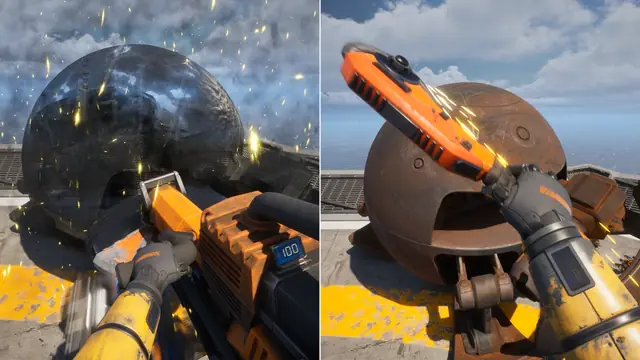
Hold the scanner, aim at a piece of furniture or decoration and hold the scan button (the prompt reads Scan (Hold)). The object is added to your Build menu (key B), and from there you can build copies of it.
See also: material calculators
What can you scan?
Furniture and other things you find lying around: chairs, couches, tables, shelves, crates and large crates, barrels and pallets. Copies are handy when you broke a box too early or need a step to climb on.
The wiki has 21 objects whose recipe unlocks after a scan: Artificial Plant, Bunk Bed, Cabinet, Chair, Coffee Table, Crate, Kitchen Stove, Kitchen Table, Large Crate, Long Iron Beam, Mattress, Metal Barrel, Metal Canister, Office Chair, Office Couch, Plastic Pallet, Room Divider, Rubber Tire, Shelf, Washer and Worktable. Several come in more than one design.
Not confirmed yet
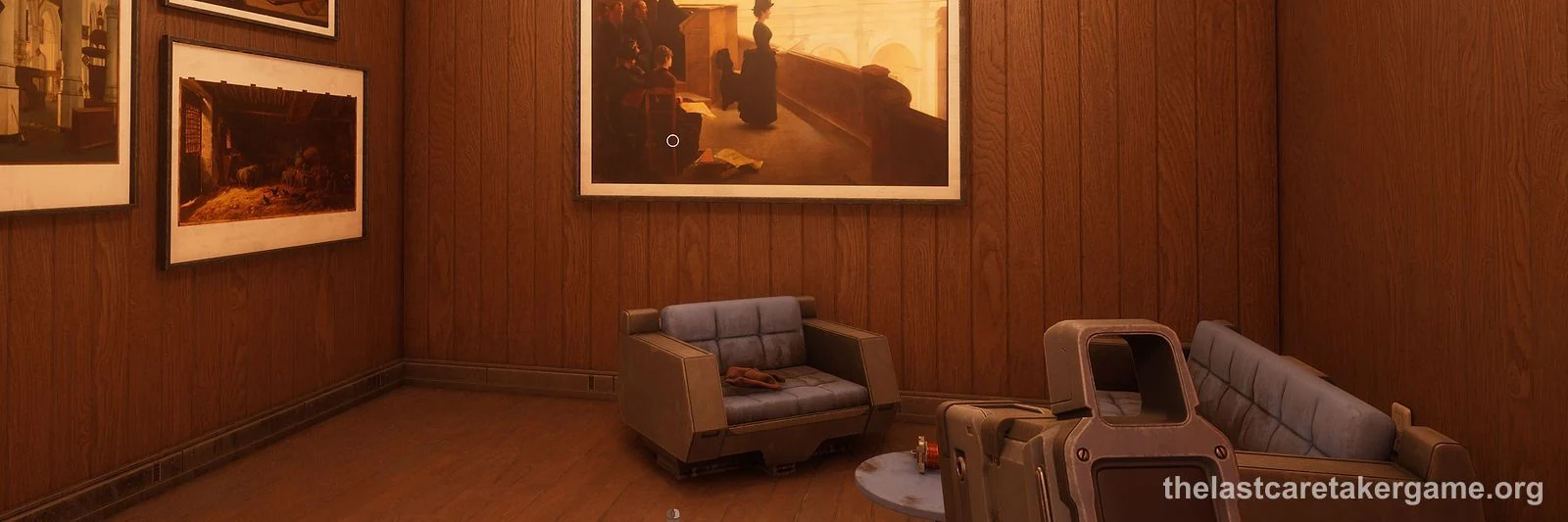
Posters on the walls cannot be scanned.
Not confirmed yet
See also: paints for your boat
Which quests need the scanner?
Scan and Build, the quest you get with the scanner, has two steps: scan an object in the world, then use the Build menu to make any object you have scanned.
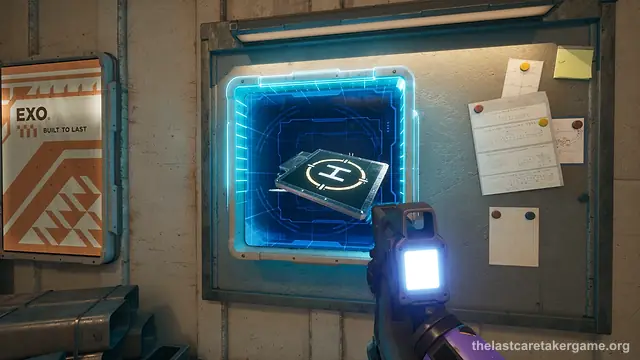
Lost Blueprints: scan the blueprint at each of the three Gyro Service Towers to unlock the Salvage Gyro. Five more blueprint scans unlock other machines.
Project Crossing, the Update 6 quest for the Transfer Gate: scan the original Continuity Token on its pedestal in the Lazarus Complex to unlock its recipe, then build your own copy and fit it into the Gate.
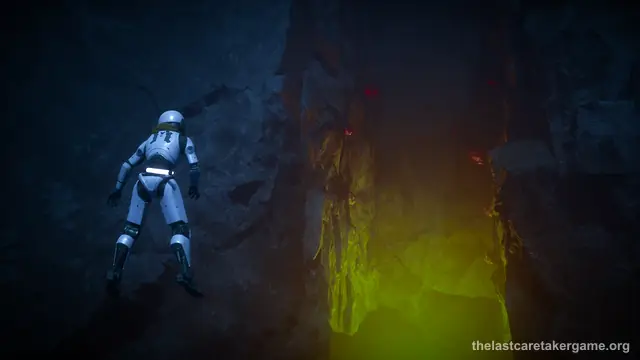
The statues of the three Spires, for the Fourth Chamber puzzle that leads to the Oath Token. Each Spire has a small cave below its peak whose mouth is blocked by rocks; blow them open to reach the statue inside.
Use the Replica Scanner on them, not the Photo Drone. A scanned statue also turns up in your Build menu.
Not confirmed yet
At Quarantine Stack Amen, the vault with the Deep Scan-500 opens after you scan four Power Triodes, one at the stack itself and three more at the other Quarantine Stacks, and build one of each.
Not confirmed yet
See also: blueprint scan checklist · Transfer Gate · Spire statues and the Oath Token · Deep Scan-500
Scanner Problems
The scanner disappeared. Can you get it back?
Clearing the scanner off its tool slot has made it disappear for some players: it is gone from the Tools menu, cannot be built, yet still shows as unlocked in Skills. No fix has been reported; loading a save from before it vanished is the only way back players mention.
Not confirmed yet
See also: where your saves are
Why does the Scan and Build quest not complete?
In late March and early April 2026 many players could build a scanned object but the scan step never ticked, and the build step reset after loading. The reports began the same day as a March 23 fix to scan quests.
Update 3.5 (April 15, 2026) lists fixes to scan quests.
If the step still will not tick, some players hid the quest from the screen and kept playing; nothing else depends on it as far as they could tell.
Not confirmed yet
See also: quest list
Other Scanners
Is the Replica Scanner the same as the sonar?
No. The Scan-50 Sonar is a module for your boat that scans what lies beneath the waves. The Replica Scanner is the hand tool that copies furniture. Both came in the same update.
See also: Scan-50 Sonar guide
What is the Grid Scanner?
The Grid Scanner is a third thing: a module (PECO Grid Scan 2000) that shows your power grid, the modules on it and how much power they use.
Update 6 made the Grid Scanner zoom toward your cursor and show hidden connections and groups more clearly.
See also: power grid setup
Official sources and wiki
- Official Early Access Update 02: Ocean - The Final Frontier (February 11, 2026)
- The Last Caretaker Wiki: Replica Scanner
- The Last Caretaker Wiki: Decorations category (pages that say the recipe unlocks after a scan)
- The Last Caretaker Wiki: The Spire of Industry (revision 6757)
- Official Update 03 improvements and fixes, build 0.7.0.609096 (March 23, 2026)
- Official Update 3.5: Shadow Drop (April 15, 2026)
- Official Update 6.0: The Jump is Live (October 19, 2026)